- How to use the RTX Client
- How to save skp file as old version
- How to solve the problem of too old flash version
- How to replace texture in SKP?
- How to upload model in SKP?
How to use the RTX Client
+. Download the package from aihouse official website by https://www.aihouse.com/download
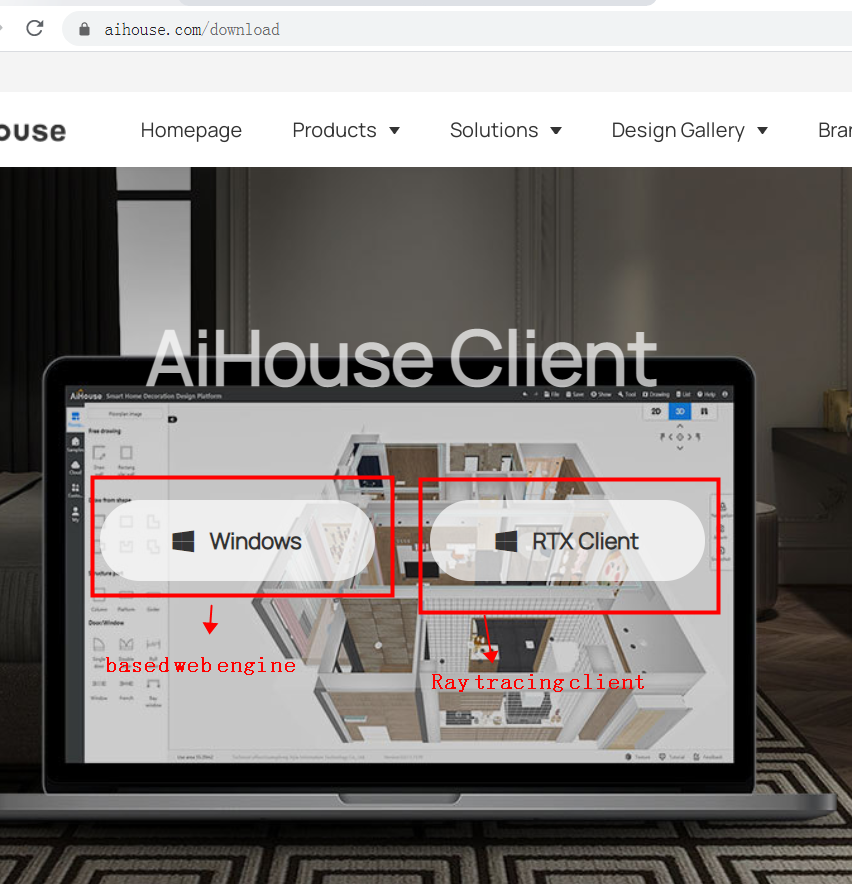
+. Extract all files to location directory, For example disk D:
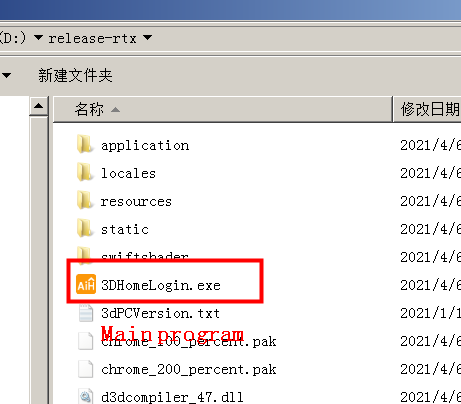
+. Run the '3DHomeLogin.exe' file
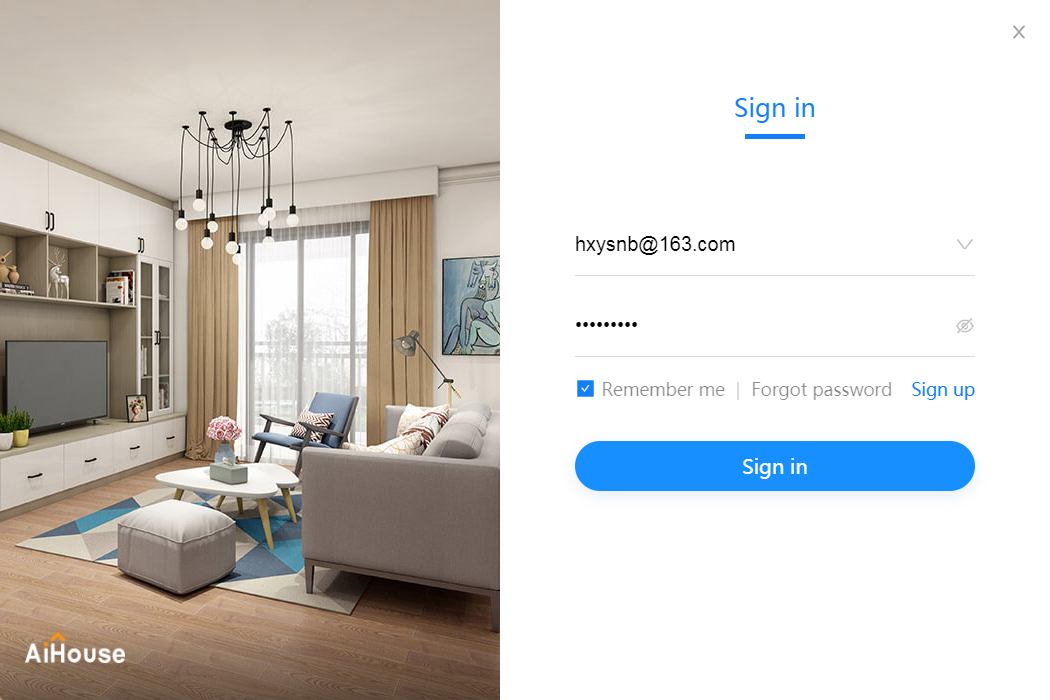
+. Login to aihouse
+. Homepage summary
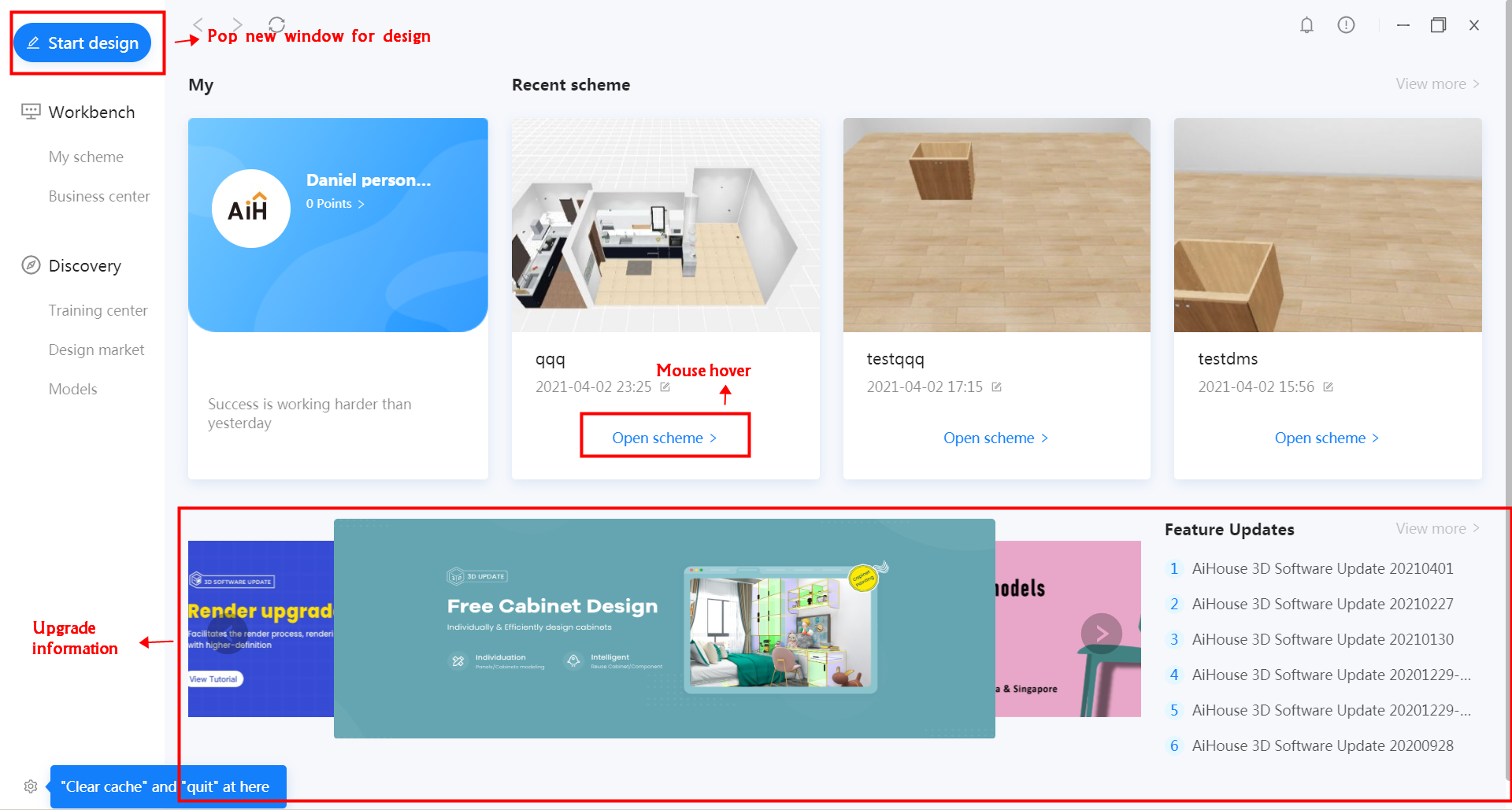
+. Lanuch 'RTX client'
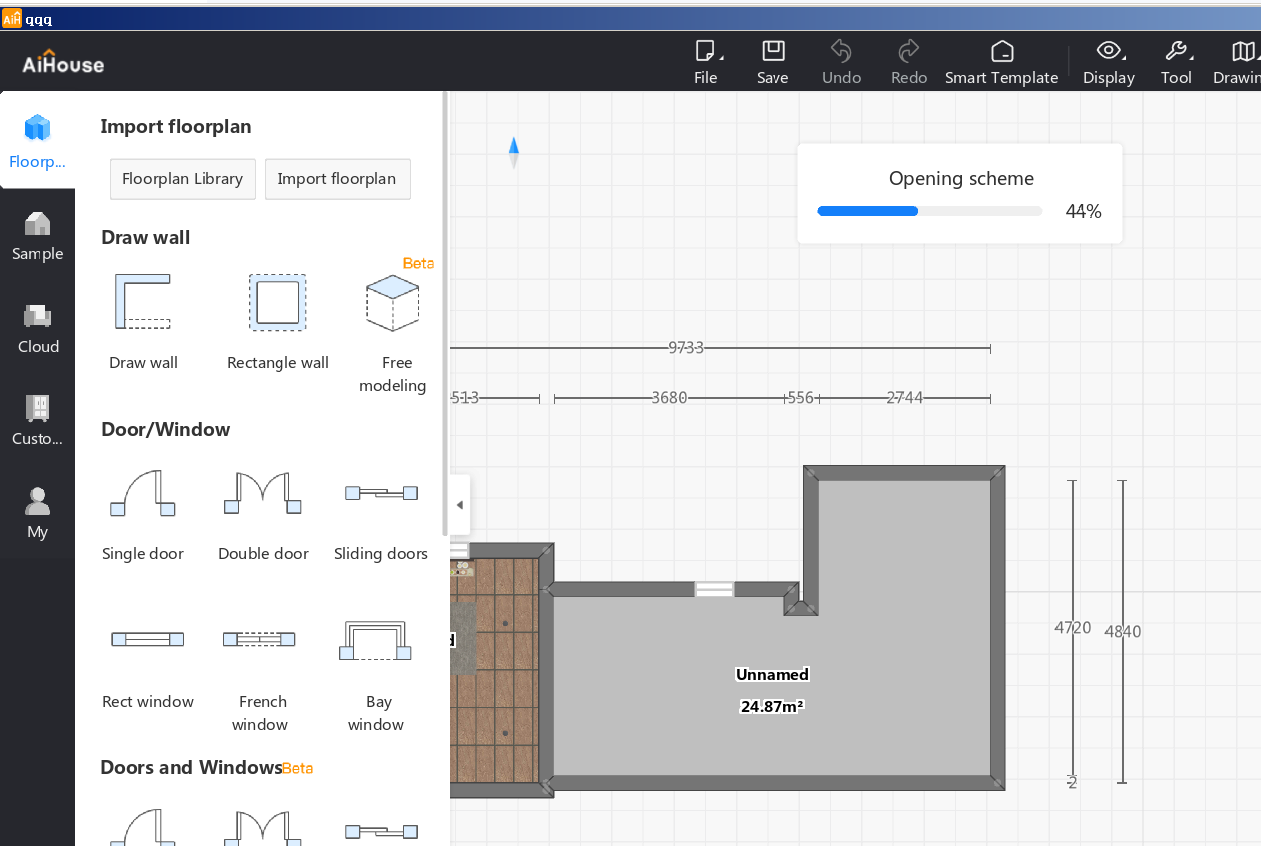
+. Open a scheme to design
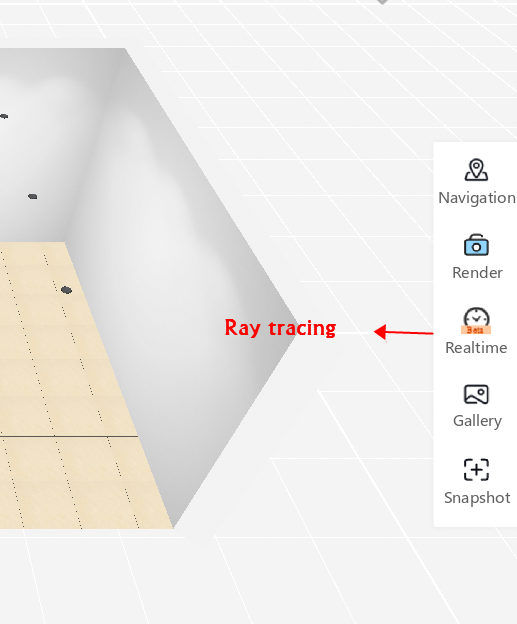
+. Lanuch [Ray tracing]
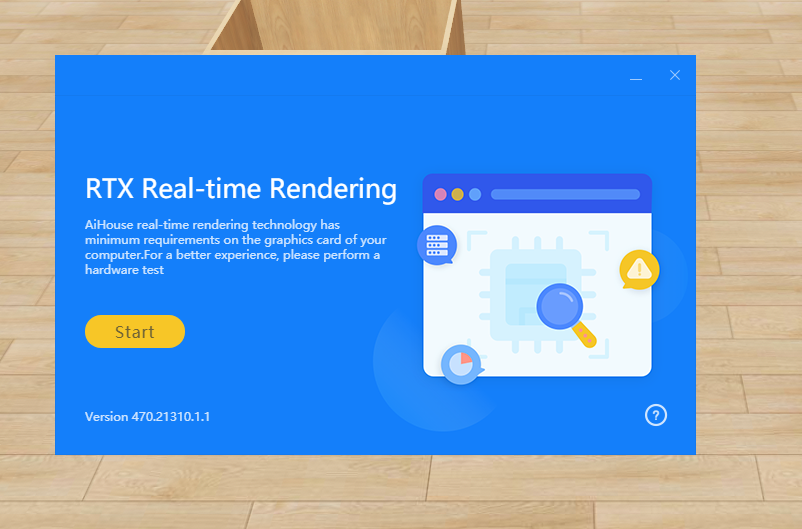
+. Do hardware test
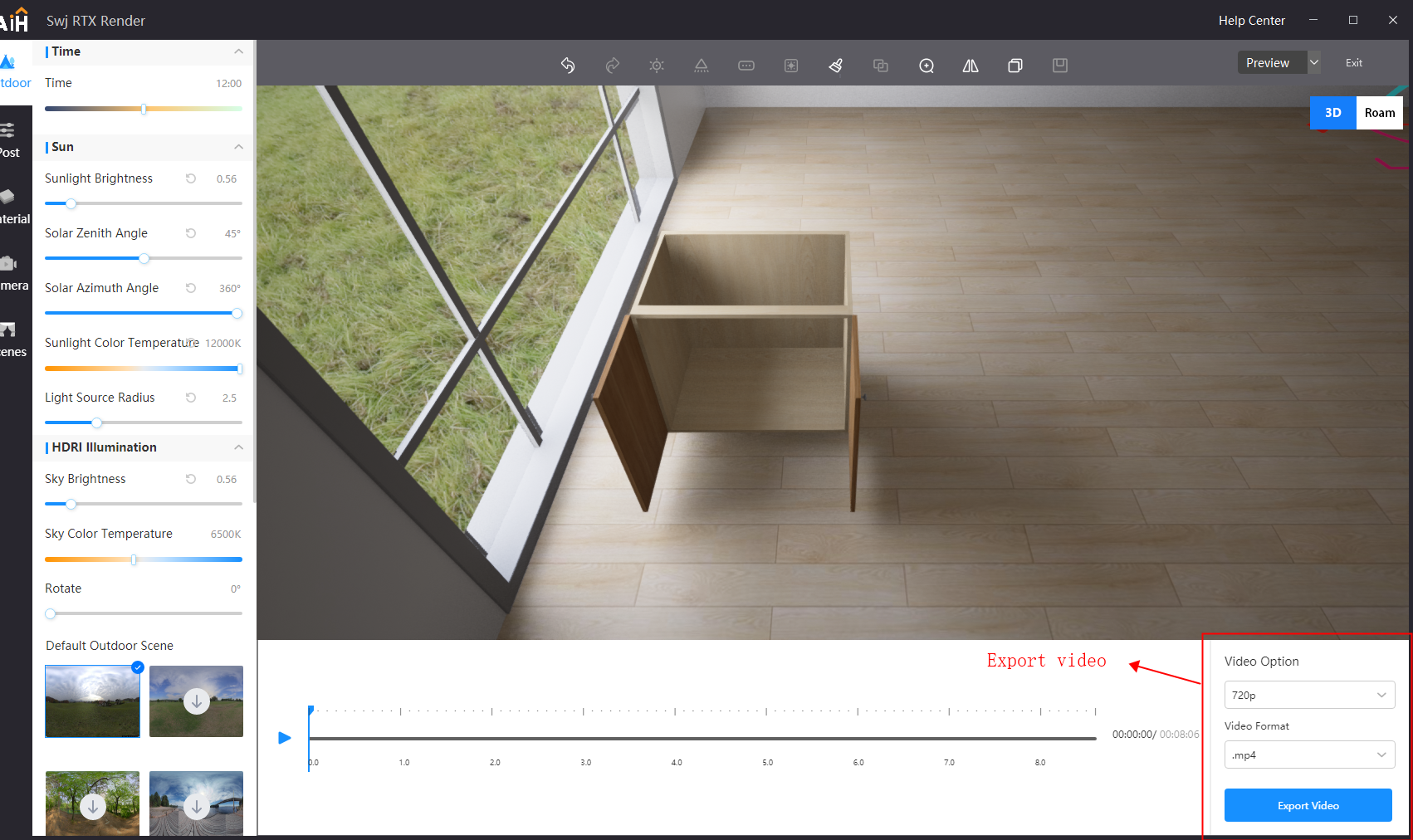
+. It will show a realtime render window when the RTX Client loaded
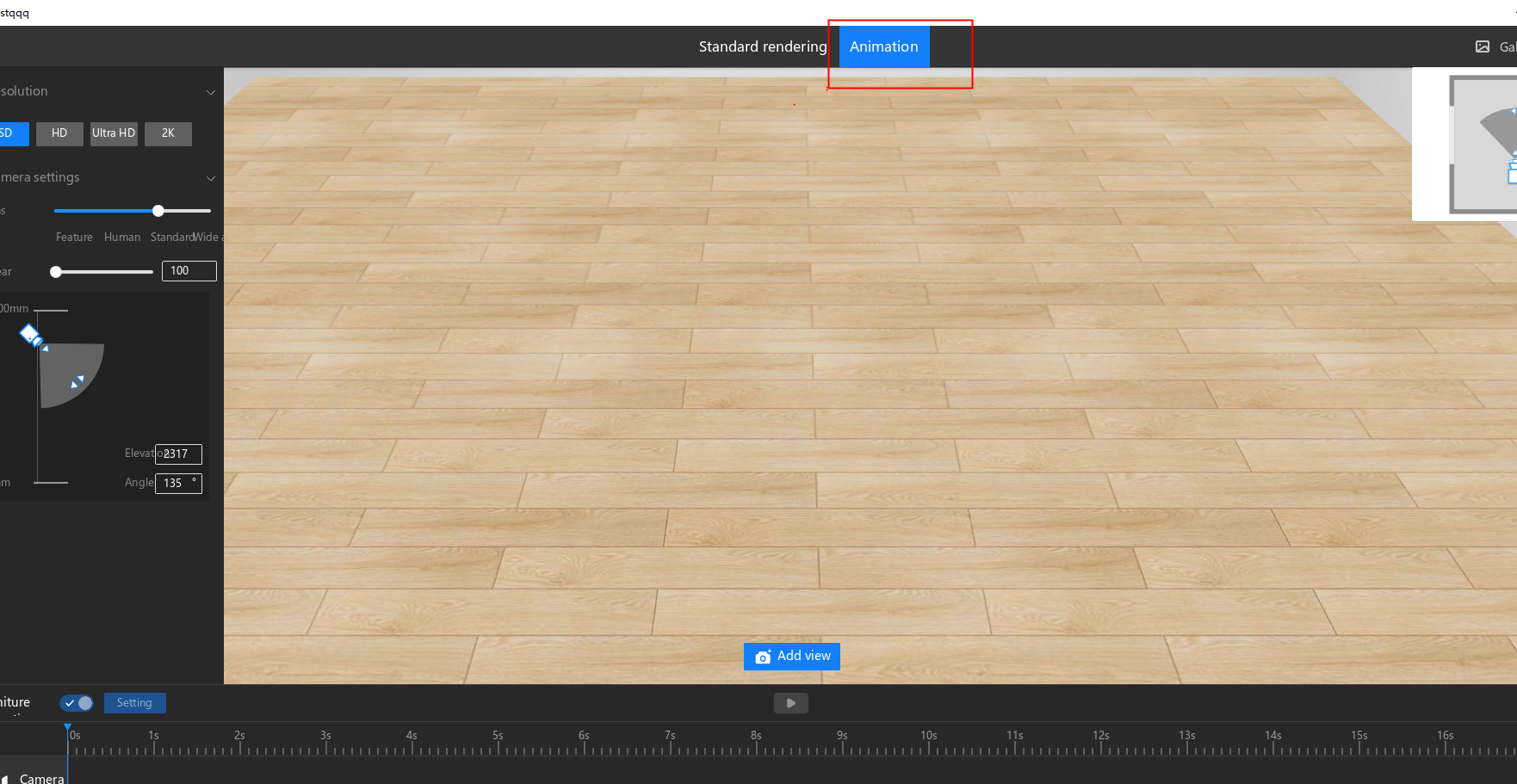
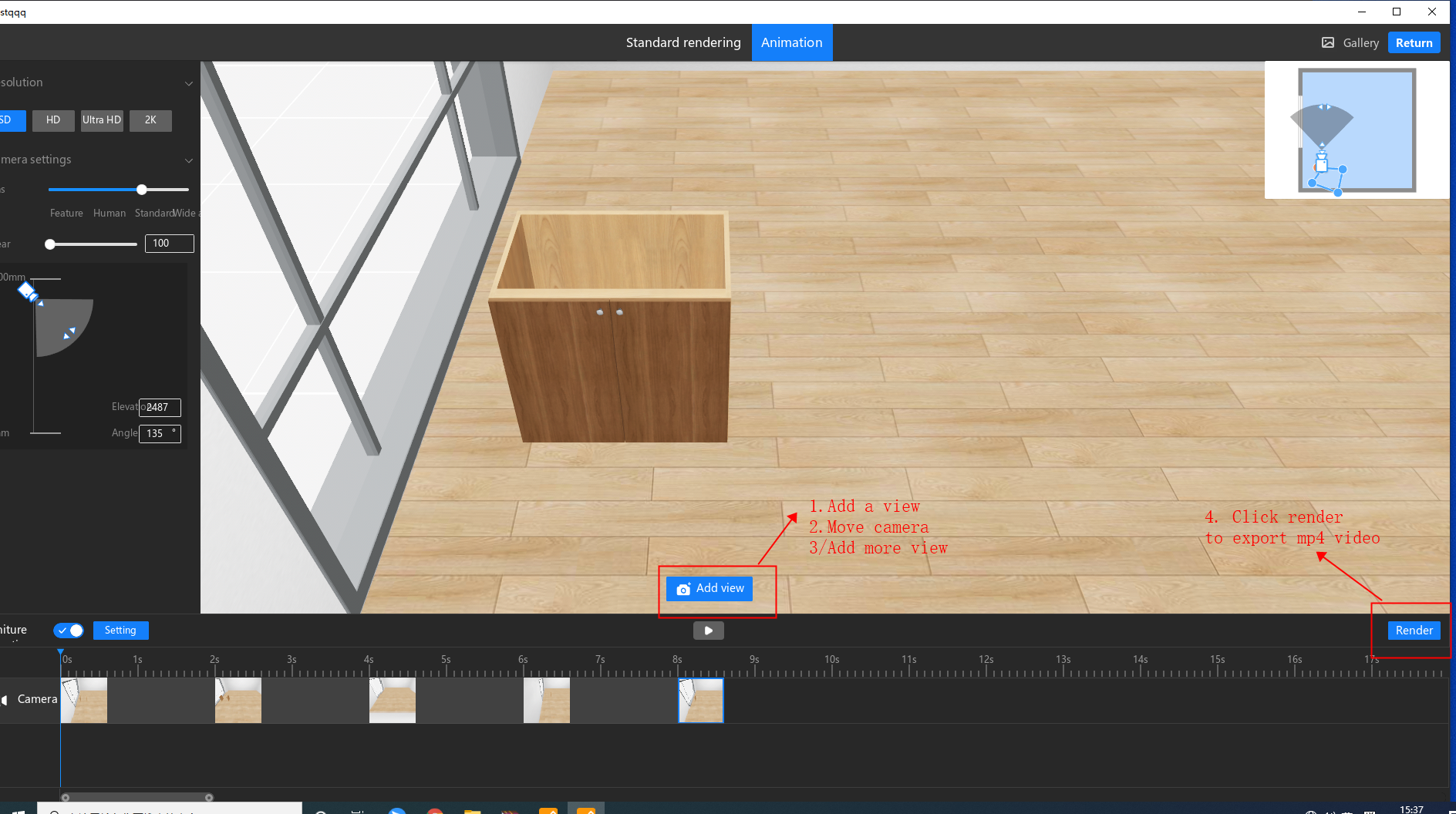
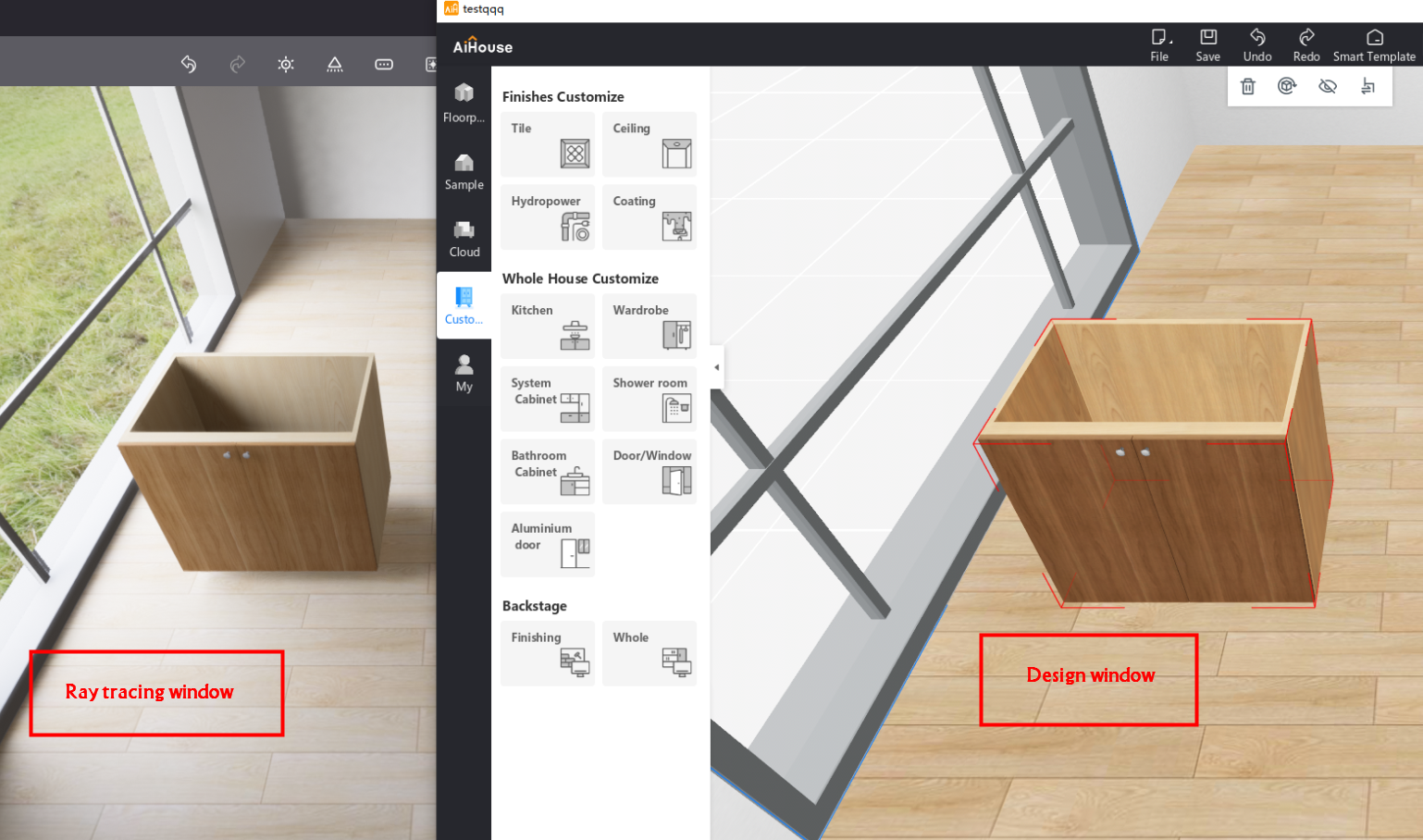 +. Create a animation on the render window
+. 
Tiếp theo. How to save skp file as old version

- FAQs & Troubleshooting
- Advanced skill
- Feature Updates
- Developer Docs
How to use the RTX Client
+. Download the package from aihouse official website by https://www.aihouse.com/download
+. Extract all files to location directory, For example disk D:
+. Run the '3DHomeLogin.exe' file
+. Login to aihouse
+. Homepage summary
+. Lanuch 'RTX client'
+. Open a scheme to design
+. Lanuch [Ray tracing]
+. Do hardware test
+. It will show a realtime render window when the RTX Client loaded
+. Create a animation on the render window
+.
Tiếp theo.
How to save skp file as old version
Nắm vững nghệ thuật từ thiết kế liền mạch đến sản xuất
Chọn AiHouse để có kết quả cấp độ tiếp theo